Diestro
Lanlord
Move files between your phone and PC

LocalCam turns your iPhone or Android phone into a webcam for your PC. The phone streams from its browser over your Wi-Fi, and Zoom, Teams, Meet, Discord and OBS see it as a regular camera.
Windows 10 or 11 · iPhone (iOS 16.4+) or Android · Phone and PC on the same Wi-Fi
Version 0.1.0, released September 22, 2026
LocalCam runs on Windows. To install it, open diestro.dev/localcam on your PC.
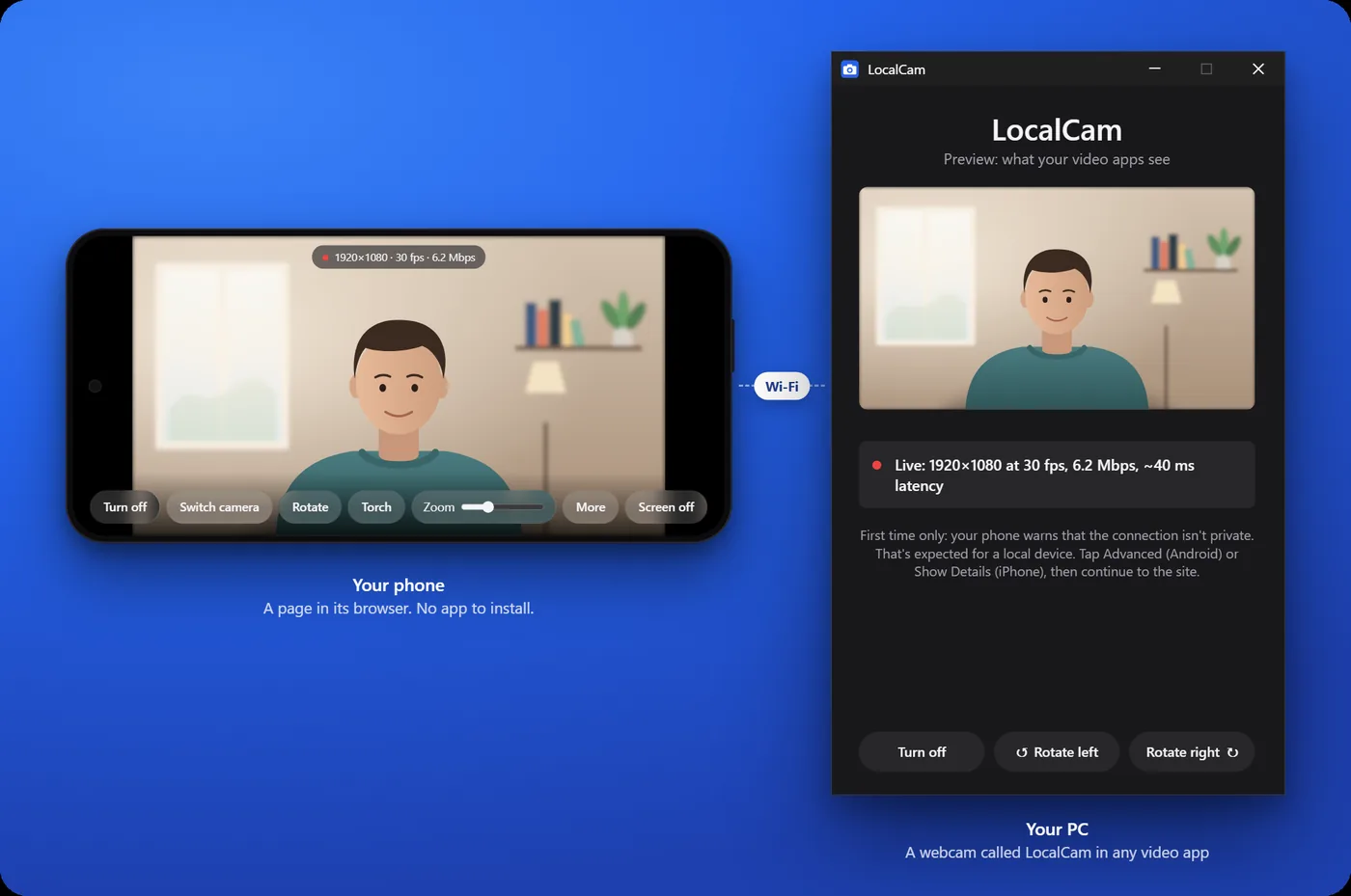
Run the installer. When LocalCam opens, it shows a QR code.
Point your phone's camera at the code and open the link. Allow camera access when the browser asks.
In Zoom, Teams, Meet or Discord, pick LocalCam in the video settings.
The installer isn't code-signed yet, so Windows may show "Windows protected your PC" the first time. Click More info, then Run anyway.
Yes. It's open source under the MIT license, and 1080p isn't locked behind anything.
No. The phone side runs in Safari or Chrome. You only install LocalCam on the PC.
Yes, with Safari on iOS 16.4 or later. Android phones work with Chrome.
That happens the first time, because your PC uses its own certificate instead of a website's. Tap Advanced then Proceed in Chrome, or Show Details then visit this website in Safari.
Restart the video app after LocalCam is running. The built-in Windows Camera app can't use it, but Zoom, Teams, Meet, Discord, OBS and most browsers can.
No. It goes directly from the phone to the PC on your own network.
Release notes and older versions are on GitHub. Found a bug? Open an issue.